
Live ultrasound from a USB probe, in the browser
Plug a UC5-2S convex probe into a PC and watch it scan a phantom. OpenDeviceDB now handles acquisition and image reconstruction in a standalone browser app.
We connected a UC5-2S convex ultrasound probe to a PC, placed it on a test phantom and watched the image update in Chromium. The same viewer is now available on OpenDeviceDB. WebUSB carries the probe data to the browser, where a Rust decoder compiled to WebAssembly turns it into 512 × 512 images. The app includes its probe settings and can run from a saved copy of the HTML.
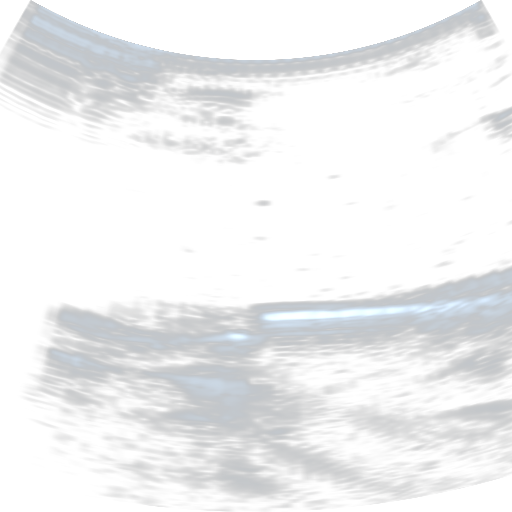
One frame from our UC5-2S phantom recording, exported with the browser app’s PNG snapshot button during replay.
To try it with the same probe, open the app in a WebUSB-capable browser, couple the probe to a stable phantom, choose a depth index and select Connecter et afficher. You can save a snapshot or export the raw session locally. The viewer offers eight depth indices. Disconnect in the app before choosing another. The indices have no calibrated distance scale, and testing was limited to a phantom.
Open the standalone viewer · Read the UC5-2S device record
Edit this post on GitHub · Licensed CC BY-SA 4.0.